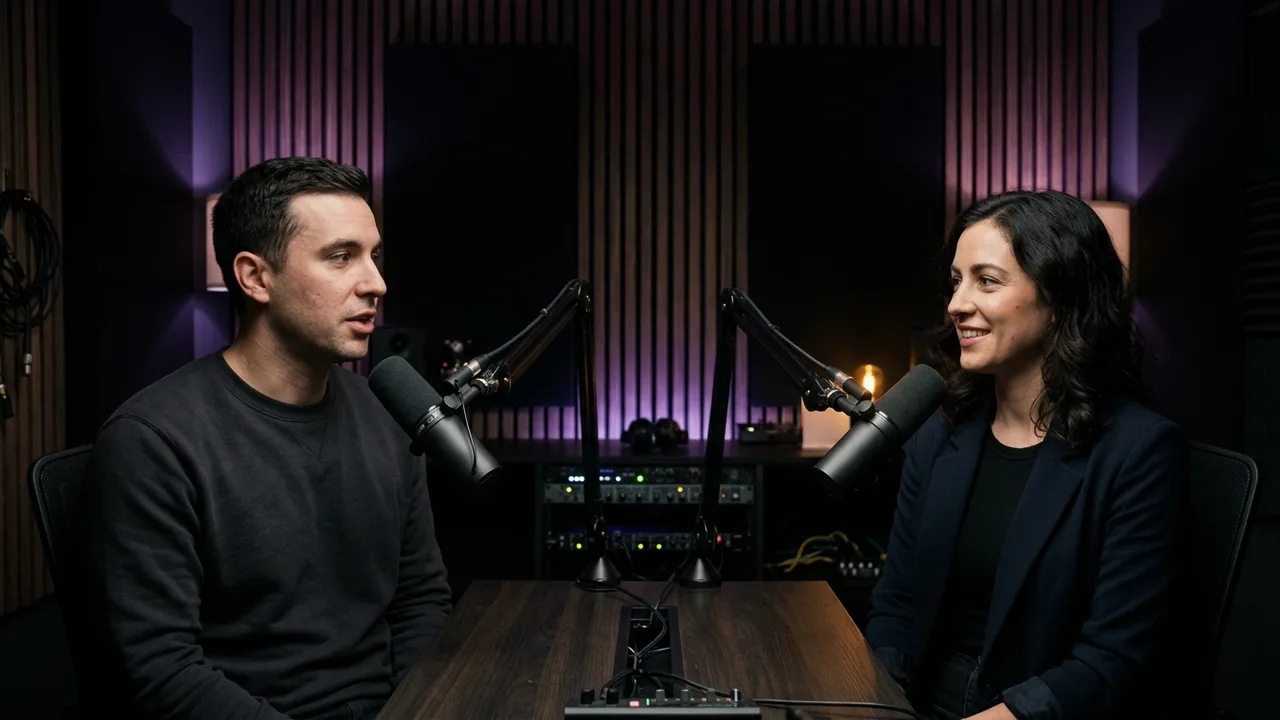
Talk, interviews & YouTube
Keep whoever is speaking centered in 9:16 with editable Boxed, Outline, or Minimal captions.
An AI clipping tool for creators. Paste a YouTube or Twitch link or open any podcast, interview, webinar, or gameplay video—KereClip generates synced captions, highlights standout moments, frames speakers or full screens, and exports 9:16 MP4s without watermarks.
Keep whoever is speaking centered in 9:16 with editable Boxed, Outline, or Minimal captions.
Switch between Blurred 16:9, Split View, Fit 16:9, or HUD-safe auto crop so slides, code, and game minimaps stay clean.
Turn long recordings into hook-first 9:16 TikToks with high-contrast custom captions and UI safe-zone checks.
Discover viral Twitch creators and trending 24h clips inside KereClip, paste YouTube/Twitch/Kick URLs, or open MP4, MOV, MKV, and WebM recordings.
Synced speech captions appear automatically, standout moments surface fast, and Face Track, Blurred 16:9, Split View, or HUD-safe crop keeps visuals intact.
Pick Boxed, Outline, Minimal, Creator, or Light Pill captions, stitch multiple shorts with transitions and music, and export clean 1080 × 1920 MP4s without watermarks.
Automatically keep active speakers or corner webcams centered in 9:16, or stack Split View with the wide scene above or below the face pane.
Center widescreen gameplay or slides over a blurred vertical fill, fit inside dark bars, or automatically steer away from minimaps, chat boxes, and overlays.
Explore trending Twitch live channels, top 24h viral clips, and recent VODs by game category or @channel handle directly inside KereClip.
Select shorts in order, reorder takes, layer background music with fades, and join clips using Cut, Crossfade, or Fade-through-black transitions.
Style Boxed, Outline, Minimal, Creator, Light Pill, or custom captions, set your preferred 12–60s default duration, and preview UI safe zones.
Use the same KereClip account across macOS, Windows, iOS, and Android with consistent defaults and watermark-free 1080 × 1920 MP4 exports.
Many AI clipping tools lock clean exports behind paywalls, crop slides and HUDs aggressively, or limit how you edit. KereClip gives you ready-to-post vertical clips with complete control.
Explore the AI clipping tool| Capability | KereClip | Typical AI Clippers |
|---|---|---|
| Export output | Watermark-free 1080 × 1920 MP4s | Watermarks or capped exports on entry plans |
| Clip duration | Configurable 12–60s default length plus fine trim | Fixed clip lengths with limited trim control |
| Framing & HUD safety | Face Track, Blurred 16:9, Split View, Fit 16:9 & HUD-safe crop | Rigid auto-crop often slices off slides or HUDs |
| Twitch clip discovery | Browse viral Twitch creators, 24h clips & VODs in-app | Manual browser hunting to copy stream links |
| Stitch & combine shorts | Combine multiple shorts with music and transitions | Separate video editor needed to stitch clips |
| Account & devices | One account across macOS, Windows, iOS & Android | Browser-only editors tied to desktop tabs |
Test any vertical or horizontal video in your browser—check where platform buttons overlap captions, slides, or facecams before you export.
Covering gaming too? Get PS5 and Xbox capture checklists, minimap-safe 9:16 framing tips, Shorts workflows, and clipping campaign rules.
Leave your email and we’ll let you know when the app installers and mobile stores are live.