9:16 Safe-Zone Checker.
Drop any vertical or horizontal video or screenshot to check where YouTube Shorts, TikTok, and Instagram Reels buttons cover captions, slides, or HUD elements.
UI overlay
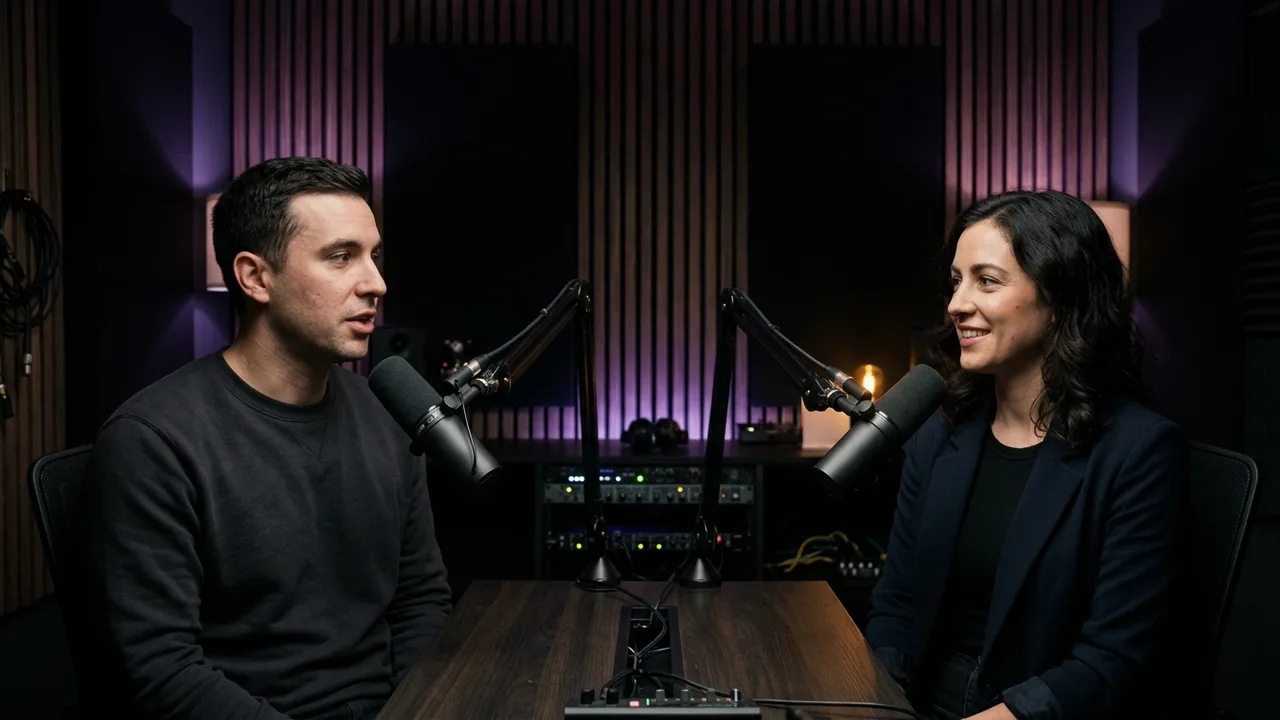
Sample scene
Framing mode
Caption style
Caption placement
Safe: caption sits inside the unobstructed 1080 × 1920 zone.
1080 × 1920 Vertical Safe-Zone Reference
| Region | Approximate obstructed pixels (1080 × 1920) | What sits there |
|---|---|---|
| Top margin | Top 220 px (~11.5%) | Back arrow, For You / Following tabs, search icon, status bar |
| Right action column | Right 150 px (~14%) on lower half | Like, comment, share, remix, and channel avatar buttons |
| Bottom metadata strip | Bottom 420–460 px (~22–24%) | Channel handle, caption text, audio track ticker, CTA pills |
| Left buffer | Left 60 px (~5.5%) | Edge rounding and mobile viewport bleed |
| Universal safe zone | Center 870 × 1240 px (approx.) | Ideal region for captions, speaker faces, slides, and key visuals |
Safe-zone & vertical export FAQ
Does this safe-zone tool upload my video or image?
No. Your file stays locally in your browser tab so nothing is uploaded or leaves your device.
What is the safest position for captions across Shorts, TikTok, and Reels?
Keeping text inside roughly the vertical band from 20% to 75% height and away from the rightmost 15% avoids overlap across all three apps simultaneously.
How does KereClip prevent horizontal slides or minimaps from hitting UI edges?
KereClip’s Fit mode scales the complete 16:9 frame inside 1080 × 1920 so corners stay clear of edge buttons while leaving clean space for synced captions.
Ready to clip, caption & export cleanly?
Generate automatic captions, smart speaker tracking or Fit framing, and Boxed/Outline/Minimal captions natively on macOS, Windows, iOS, and Android.
Get notified when KereClip launches
Leave your email and we’ll let you know when the app installers and mobile stores are live.